NBA 2K26 Zen Script
One focused hub for the free GPC download path, Cronus Zen installation, timing values, auto-green calibration, platform compatibility, and honest troubleshooting.
Unofficial and not affiliated with 2K, Visual Concepts, or Collective Minds. Review game and platform rules before using third-party controller scripts.
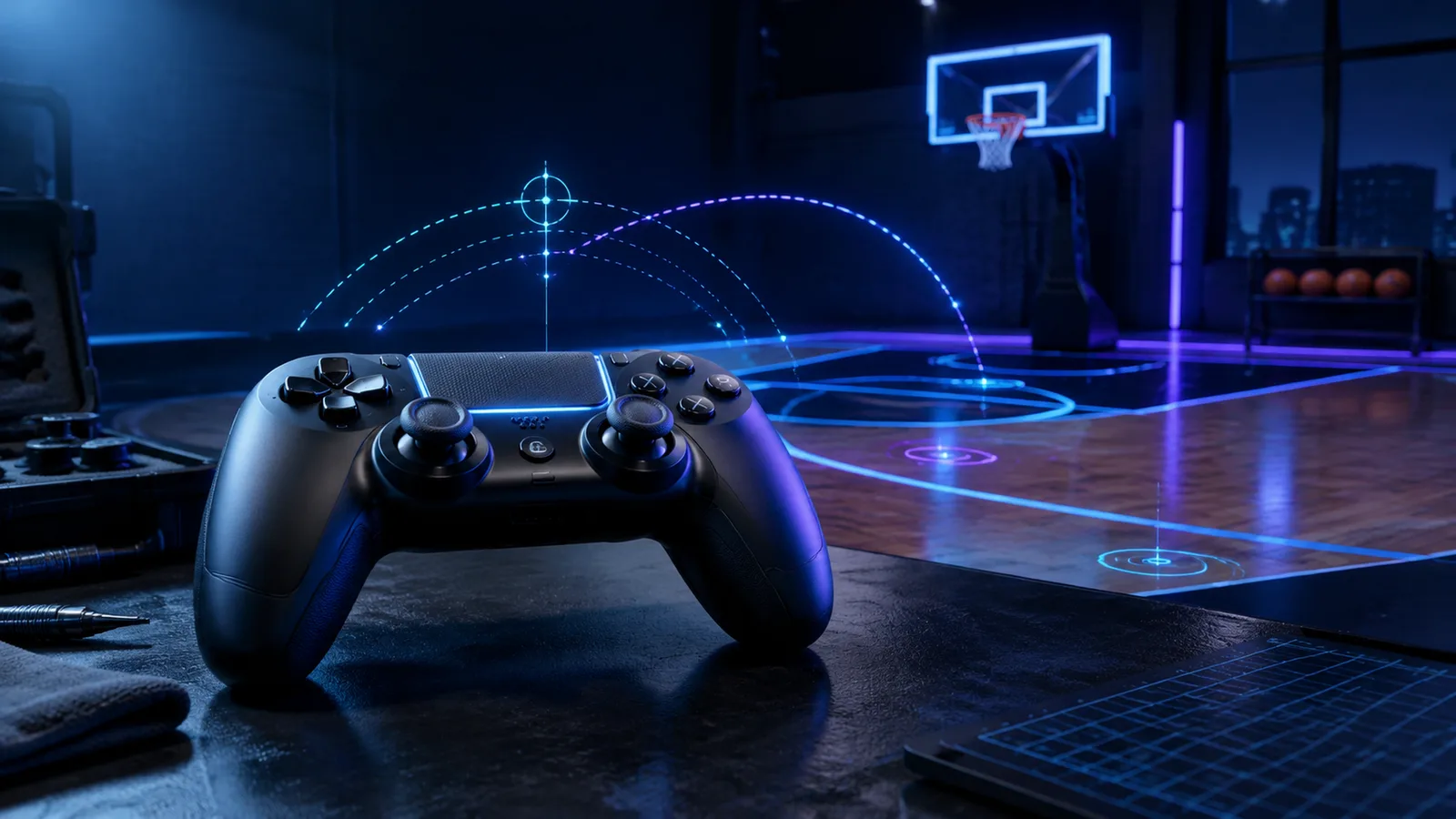
Download → Install → Calibrate → Test
Task-based guides
Start with what you need to do
Each page answers one search intent instead of repeating the same download pitch.
Download the GPC file
Use the documented download route, check the file details, and read the pre-load checklist.
Read guide →Install with Zen Studio
Connect the device, compile the script, assign a memory slot, and confirm the active profile.
Read guide →Set timing values
Start from a neutral baseline and adjust one variable at a time for your shot and latency.
Read guide →Calibrate auto green
Use a repeatable practice-court loop to diagnose early, late, and inconsistent releases.
Read guide →Fix common failures
Work through device detection, compile, input, timing drift, and patch-related issues.
Read guide →Check compatibility
Understand the practical differences across PlayStation, Xbox, and PC setups.
Read guide →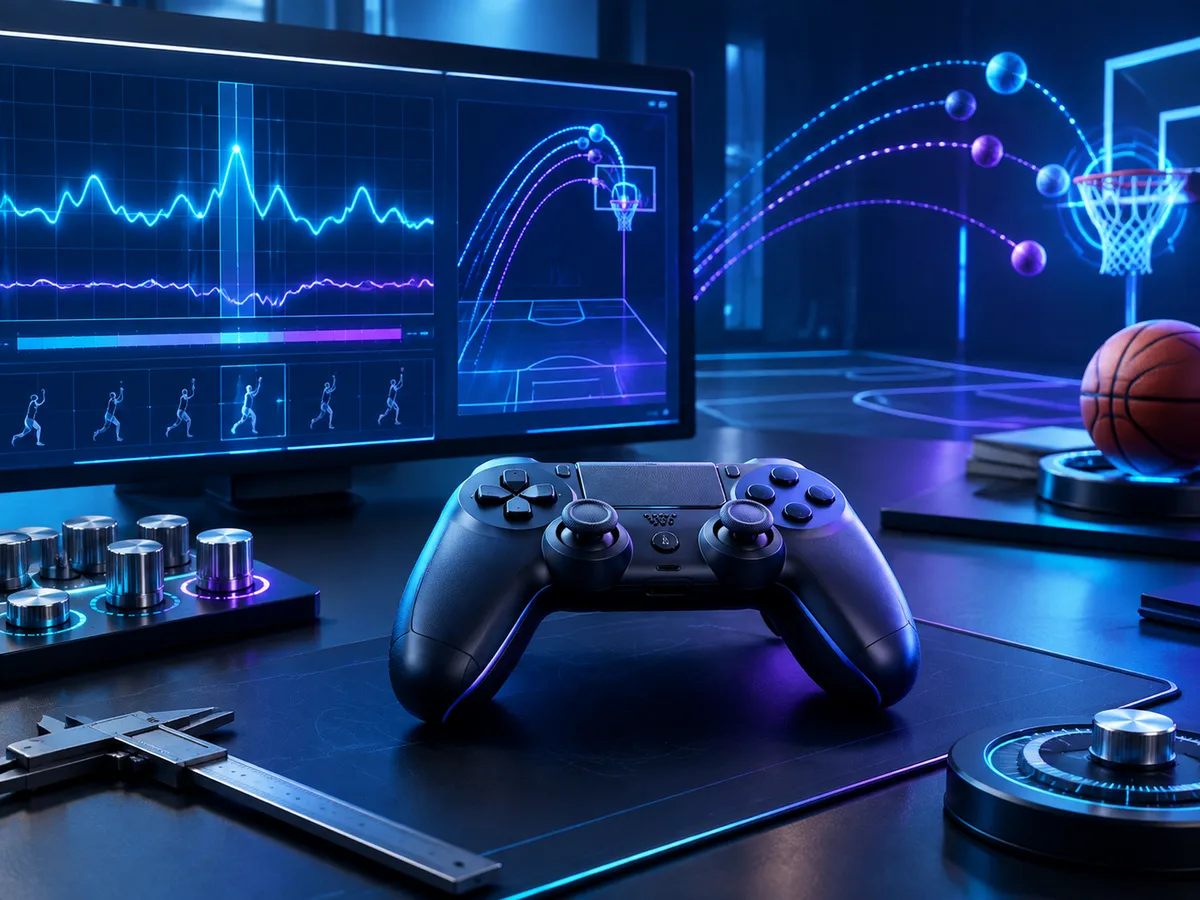
No magic-number claims
Treat timing as a calibration problem
A copied value cannot account for your jump shot, visual cue, monitor, network route, controller connection, or game patch. The useful approach is a controlled test loop.
- 1Choose one jump shot and one practice location.
- 2Record a short baseline without changing other settings.
- 3Move the timing value in small, consistent increments.
- 4Keep the change only when repeated attempts improve.
Read before using
No script is risk-free or guaranteed
Third-party controller automation may violate game, platform, league, or tournament rules. Claims such as “undetectable,” “ban-proof,” or “works after every patch” cannot be responsibly guaranteed. Make an informed choice and test only where appropriate.
Read the risk guideLegacy coverage
Built for 2K26 searches
NBA 2K26 is now a previous-season title. This site keeps its 2K26 information separated from newer editions so old settings are not presented as current-game facts.
View editorial change log →Straight answers
Frequently asked questions
What is a 2K26 Zen Script?
It is a GPC controller script loaded through Zen Studio onto a Cronus Zen. The script can automate or modify controller inputs. Results depend on the script version, game patch, controller path, latency, and your in-game settings.
Is there one universal auto-green value?
No. Jump-shot animation, release cue, build, display latency, connection quality, and game updates all affect timing. A baseline is only a starting point; reliable setup requires local calibration.
Does the script work on PS5, Xbox, and PC?
Cronus Zen supports several connection paths, but the exact controller, authentication method, firmware, and game version matter. Check the compatibility matrix before assuming a setup will work.
Can using a controller script lead to penalties?
It can create account, tournament, or platform-rule risk. No third-party site can promise that a script is undetectable or safe. Read the relevant terms and the risk guide before using one.